








Free In-Browser Photoshop Alternative: ImageFlow Adds Tool to Relight Finished Photos
 ·
10.10.2026 20:28
·
3 min read
·
10.10.2026 20:28
·
3 min read
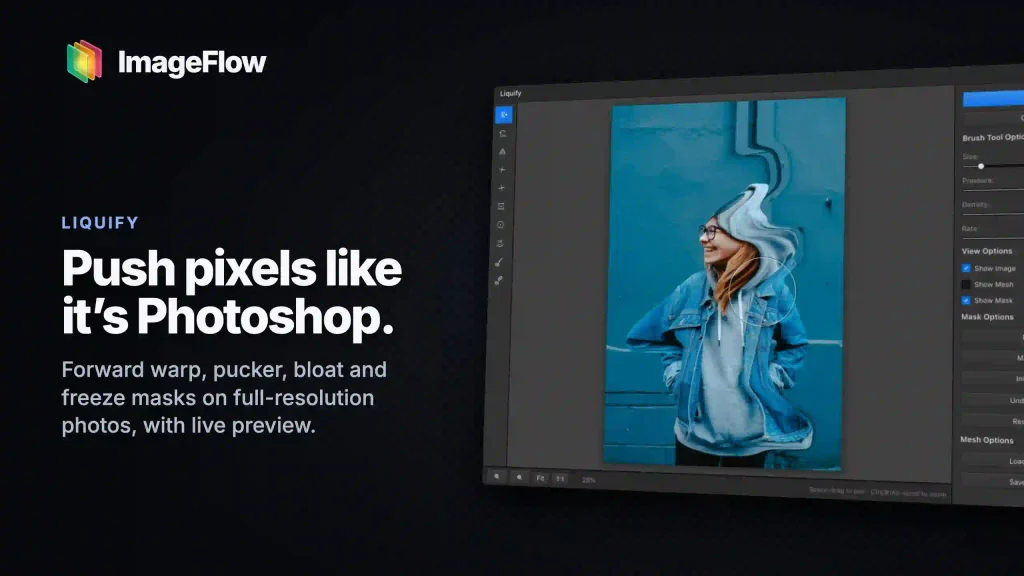
Independent developer Yassine Bouanane has rolled out a major update for ImageFlow, his free image editor. The centerpiece of the update is Relight, a tool that lets users adjust the direction, hue, and intensity of lighting on existing photos in real time. The service runs directly inside a browser tab without requiring heavy software installations or paid subscriptions.
The feature makes it easy to rescue poorly lit shots or completely transform a photo’s mood. For instance, a flat front-lit portrait can be turned into a dramatic studio shot with deep shadows or bathed in warm sunset hues in just a few clicks.
Users can test the tool directly on the official ImageFlow website: simply upload an image and go to Image → Relight. Interactive light markers will appear on the canvas, which users can drag around freely with a mouse. Processing takes place locally on the user’s hardware without uploading original files to remote servers, keeping personal photos private.
Free Sliders vs. Paid Adobe Credits
The update arrives just as Adobe tests a similar feature in Photoshop Beta. However, ImageFlow’s creator is directly challenging the software giant on pricing.
According to Adobe’s official announcement, the relighting feature in Photoshop Beta offers free previews, but applying the final result deducts 30 generative credits from the user’s account. In ImageFlow, all lighting adjustments remain completely free and unlimited.
That said, the project is still far from matching the industry heavyweight feature for feature:
- Photoshop creates a non-destructive smart layer, letting users tweak settings at any time;
- ImageFlow currently bakes the lighting adjustments directly into the pixels of the active layer;
- the algorithm handles skin and matte objects well, but creates artifacts on complex transparent textures, glass, and water.
I MADE IT! I beat Adobe and shipped a better relight feature than them. (theirs is not even released yet). A multibillion-dollar company with thousands of engineers just got beat by one person. Crazy thing is that https://t.co/s8rpanKqsP runs in your browser locally for Free 🤯 Let’s kill Adobe one feature at a time. Stay tuned, I’m working on a desktop version of ImageFlow and a new LightRoom alternative that i’m so excited about!
— Yassine Bouanane (@ybouane) October 9, 2026
A Capable Web Suite for PSD Files
Relighting is only part of the story. In a Reddit discussion about the project, the developer stressed that he is methodically bringing all standard desktop photo manipulation tools to the web.
The editor supports unlimited layers, masks, adjustment filters, smart object selection powered by lightweight built-in neural networks, and can open and export complex PSD files.
Development is moving fast: Bouanane plans to release a standalone desktop version and build an in-browser Adobe Lightroom alternative for batch color grading. For designers and photographers, it offers a rare chance to tap into capable studio retouching tools without getting locked into corporate subscriptions.