










Smart Objects, PSD Support, and CPU Background Removal: Inside Free Editor Photon Studio
 ·
14.09.2026 19:17
·
2 min read
·
14.09.2026 19:17
·
2 min read
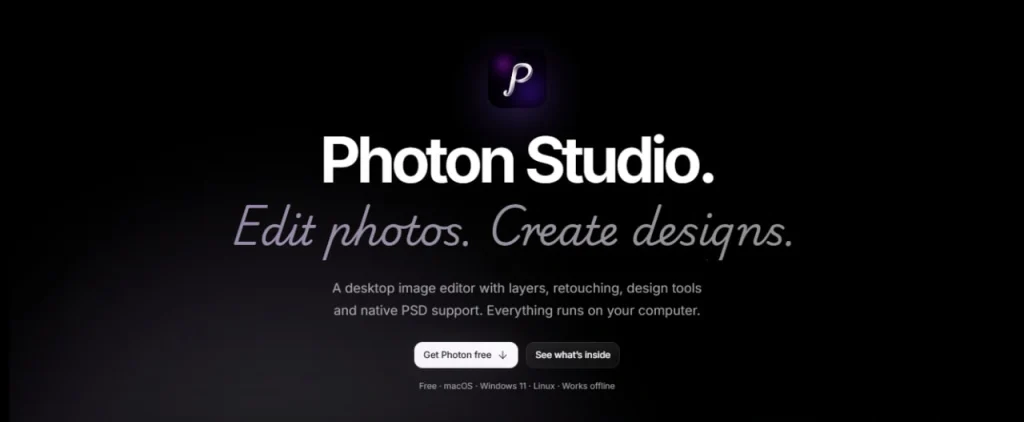
Developers at Tenzen Studio have launched Photon Studio, a desktop graphics editor designed as a free alternative to Adobe Photoshop. The app recreates the classic interface of professional raster editors, natively opens and saves PSD files, and handles AI processing locally on the computer’s CPU without sending images to the cloud.
Familiar Layers, Curves, and Liquify
The program’s workspace is designed so Photoshop users won’t need to change their usual workflows. According to the official Tenzen Studio website, it offers a complete suite of tools for photo retouching and layout design:
- Multi-layer structure with support for folders, masks, blend modes, and smart objects;
- Adjustment layers, tonal correction via Curves, a Liquify filter, and retouching stamps;
- Layer styles: shadow, glow, stroke, and gradient overlay effects;
- Quick command search via a keyboard palette.
The key technical highlight is its automated object selection and background removal tools. Unlike browser-based editors, Photon Studio runs its AI background removal algorithms strictly using the PC’s CPU and GPU resources. The program works entirely offline and doesn’t require sign-in to open local files.
Data Privacy and Adobe Ecosystem Comparison
The developers paid special attention to privacy. The Photon Studio privacy policy states that the desktop app does not collect background telemetry, system logs, or user activity analytics.
However, viewing the new app as a total replacement for the Adobe suite would be premature. The developers do not claim full feature parity with the industry leader: Photon Studio currently lacks a mature ecosystem of third-party plugins, deep CMYK prepress capabilities, and built-in generative fill on par with Adobe Firefly. In addition, according to the Terms of Service, the product is distributed as free proprietary software rather than an open-source project.
HAN RECREADO PHOTOSHOP 100% GRATIS
— roman (@Nozelcode) September 14, 2026
Se llama Photon Studio y permite editar fotos, retocar imágenes y crear diseños directamente en tu ordenador.
Sin subir tus archivos a la nube y sin crear una cuenta para empezar a editar.
Y viene con herramientas que reconocerás si has usado… pic.twitter.com/VxIJTHc0xZ
The app is available for download on computers running Windows 11, macOS, and Linux. For users who need a functional editor without recurring subscription fees or intrusive cloud services, Photon Studio offers a balanced solution for everyday graphics work.
