









Free AirDrop Alternative for All Platforms: LocalSend Transfers Files Across Windows, Android, and iPhone Without Internet
 ·
23.08.2026 19:01
·
2 min read
·
23.08.2026 19:01
·
2 min read
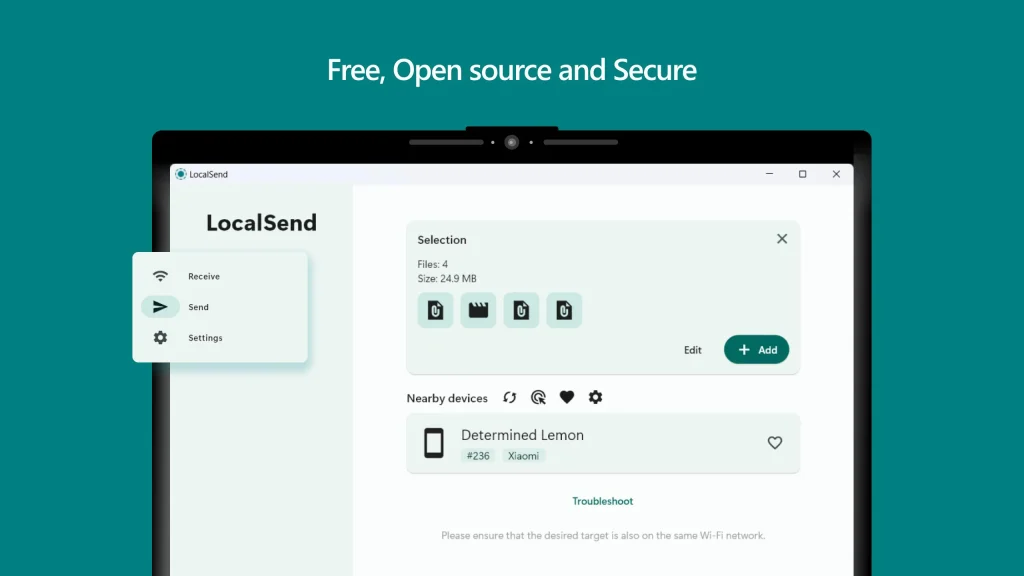
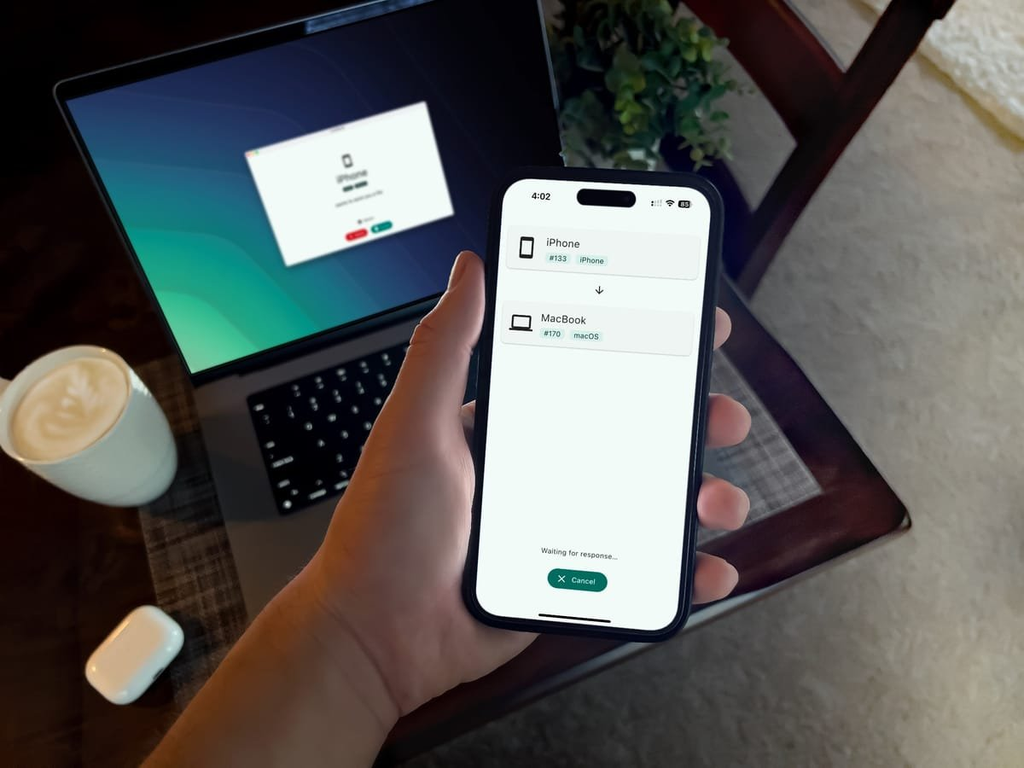
Open-source utility LocalSend solves file sharing across different ecosystems. Working similarly to Apple’s AirDrop, the app bridges Windows, macOS, Linux, Android, and iOS, transferring files directly over a local network without uploading them to third-party cloud servers.
The service requires no registration, phone numbers, or internet access—connecting devices to the same Wi-Fi network or local router is all it takes.
Direct Transfers Between Incompatible Platforms
LocalSend enables seamless data sharing between devices that are usually isolated from one another:
- From an iPhone to a Windows PC;
- From an Android smartphone to a MacBook;
- Between Linux workstations and mobile devices.
Transfer speeds are not artificially limited and depend entirely on your home or office Wi-Fi network bandwidth. Traffic is protected with end-to-end HTTPS encryption.
According to the project’s official GitHub repository, LocalSend has amassed over 70,000 stars and passed 5 million downloads.
Version 1.18 Update Brings Rust Engine and CLI
In the LocalSend 1.18.0 update, developers rewrote the network stack and I/O operations in Rust, improving stability when transferring large datasets and uncompressed 4K video.
Key features of the current release include:
- Command Line Interface (CLI): A full-fledged terminal client for automating file transfers on servers and PCs;
- Browser-Based Transfers: Share via Link and Receive via Link modes allow users to download or upload files through a temporary local web page protected by a PIN;
- Network Protocol: Support for IPv6, automatic file reception from trusted devices, and checksum integrity verification.
File Manager Integration and Discovery Troubleshooting
On Windows, the app adds an entry to the “Send to” context menu, integrates into the menu bar on macOS, and connects with the system “Share” menu on mobile platforms.
If devices on the same network fail to discover each other, the issue is most often caused by an active firewall or router AP Isolation (wireless client isolation). For proper operation, network port 53317 (TCP/UDP) must be open on the local network.
The utility is available to download for free on the official website, from the App Store and Google Play, as well as through Linux package managers.