








Windows 11 to let you shut down, restart, and update your PC from your smartphone
 ·
27.08.2026 21:37
·
2 min read
·
27.08.2026 21:37
·
2 min read
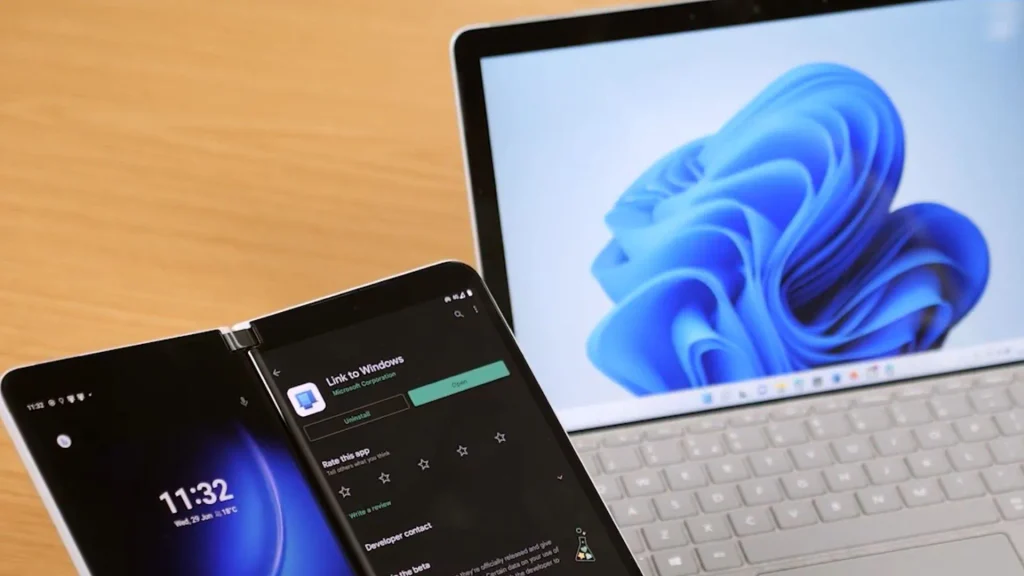
Microsoft is preparing an update for its Phone Link service that will turn your smartphone into a remote power control for your computer. Windows 11 users will be able to remotely shut down the system, put it into sleep mode, and install updates with just a couple of taps.
As reported by Windows Latest, five new system commands were discovered in the code of the Link to Windows Android app:
- Shut down — standard computer shutdown;
- Restart — system reboot;
- Sleep — enter power-saving mode;
- Update and shut down — install pending updates and then shut down;
- Update and restart — update with an automatic reboot.
This new feature eliminates the need to use bulky Remote Desktop clients or third-party utilities if you left your PC on at home or the office. To prevent accidental loss of unsaved files and open documents, Microsoft has included a confirmation pop-up on the smartphone screen for potentially disruptive actions.
Important limitation: while you can put your computer to sleep from your smartphone, you cannot wake it up remotely yet — the connection between devices is severed when Windows 11 enters sleep mode.
According to Windows Central, the option is currently hidden behind internal flags and is disabled even in Windows Insider builds. At launch, remote power control will be available exclusively for Android; there is no information yet on whether the feature will come to the iOS client.