








DeepSeek Releases Harness, an Open AI Agent for Windows, macOS and the Browser
 ·
03.10.2026 22:58
·
3 min read
·
03.10.2026 22:58
·
3 min read
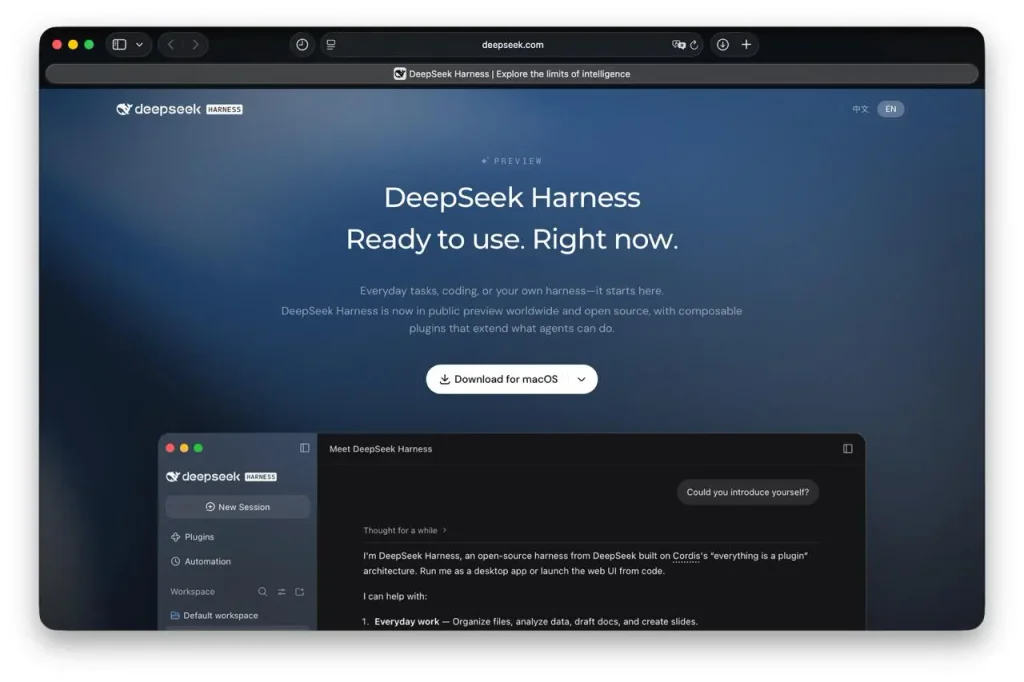
DeepSeek has opened public access to DeepSeek Harness, an agent environment for working with code, files, research and task automation. The project is distributed as open source under the MIT license, and ready-made versions for Windows 64-bit and Mac with Apple Silicon are already available on the official Harness page. The company calls the current launch a global public preview.
Harness can be seen as an alternative to tools like Claude Code, but DeepSeek is trying to make it broader than a typical coding agent. The agent can work with a user’s folders, read and modify files, run commands, analyze spreadsheets, prepare documents and presentations, search the internet for information and carry out multi-step tasks.
The DeepSeek website demonstrates scenarios involving DOCX, XLSX, PDF, HTML, Python, TypeScript and Markdown. Results can be viewed right inside the interface and refined in a dialogue with the agent.
Almost everything in Harness can be replaced with a plugin
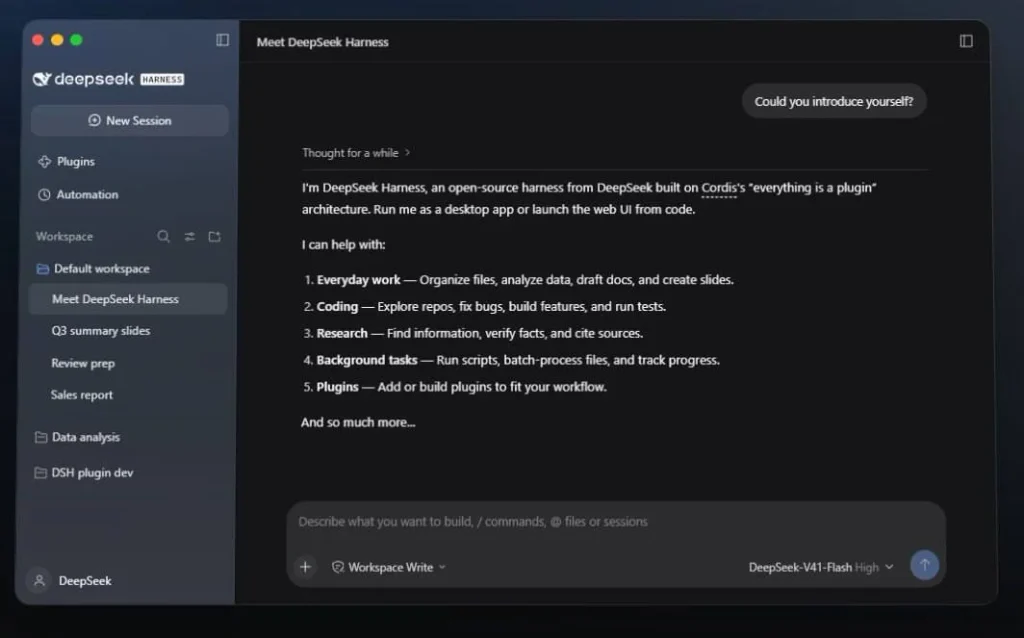
The project’s main architectural feature is the “everything is a plugin” principle. Harness is built on top of the Cordis framework, and models, tools, file access, the agent loop and other components are plugged in as separate modules.
This makes it possible not only to install additional capabilities but also to create them directly through Harness. In Creator Mode, users can describe the function they need in plain text — for example, ask for a Pomodoro timer — after which the agent can write a plugin, connect it and test that it works.
The DeepSeek Harness documentation also emphasizes that model adapters, tools, sandboxes and other parts of the system are separate components. Developers can therefore change individual elements of the environment without rewriting the entire agent.
Scheduled tasks are available, but the computer has to stay running
Through the experimental Scheduled Tasks plugin, Harness supports one-time and recurring jobs. For example, users can ask it to compile a report from work notes every Friday or run a specific procedure on a cron schedule.
There is a limitation to the automation: according to the official documentation, tasks run only while the Host is running. After it restarts, Harness checks for missed events and, for recurring tasks, runs the last missed iteration.
Without the desktop app, the system can be launched locally via Node.js:
npx @deepseek-ai/dsh web
The command opens a web interface on the local computer. The source code is available in the official DeepSeek repository on GitHub.
At the same time, running Harness locally does not mean the neural network itself runs locally too. The model is connected separately: Harness supports the DeepSeek API, third-party providers and its own compatible API servers.
There is also an important caveat about the product’s maturity. On its main site, DeepSeek calls Harness a public preview, but the repository README uses the more cautious term developer preview and explicitly warns of future breaking changes. So for now, Harness is better seen as an actively developing open platform for experiments and for setting up custom AI agents rather than a fully stable work tool.