







Microsoft Releases Windows 11 26H2 — the Update Installs Almost Like a Regular Patch
 ·
30.09.2026 17:39
·
3 min read
·
30.09.2026 17:39
·
3 min read
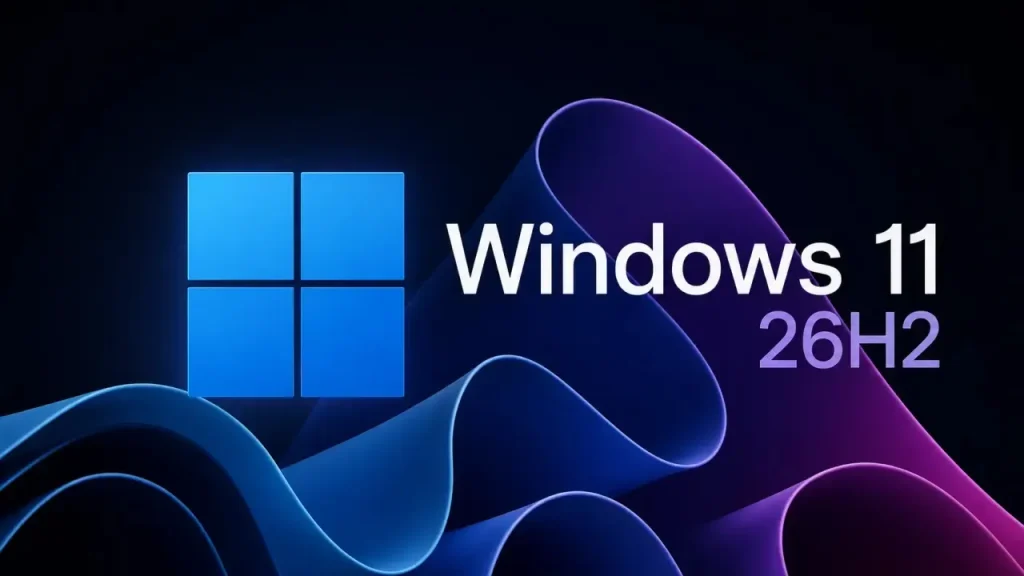
Microsoft has begun rolling out the Windows 11 2026 Update, or version 26H2. The update became available on September 29 for compatible PCs running Windows 11 24H2 and 25H2, but the rollout is gradual — it will reach some devices later.
The main thing about 26H2 is how it installs. For most eligible PCs, it is not a full operating system upgrade with a large download and a long installation, but a compact enablement package.
Versions 24H2, 25H2 and 26H2 share the same code base and use the same set of system files. A significant portion of the new version’s components had already reached computers with monthly updates, but remained turned off.
Package KB5121794 essentially works as a switch that activates the prepared features and moves the system to 26H2 after a single reboot.
Installation should be much faster
Microsoft compares the move to 26H2 to a regular monthly Windows update.
An eligible device needs a relatively small download and one short reboot, whereas traditional major updates could involve a lengthy system migration and far more data.
The enablement package is available for Windows 11 24H2 and 25H2, provided the computer already has the required latest cumulative updates installed.
You can get 26H2 through Settings → Windows Update. Users who have enabled the option to get the latest updates as soon as they become available will be among the first to be offered the new version.
Microsoft is using a phased rollout. If a compatibility issue with a driver, hardware or program is detected for a particular PC, the company may temporarily apply a safeguard hold and not offer the update until the conflict is resolved.
There is no big set of exclusive features
Windows 11 26H2 differs from some previous annual updates in that many of its capabilities had already been gradually appearing in 24H2 and 25H2 through cumulative packages.
Some features that shipped turned off in 25H2 are enabled by default in 26H2. So after installing, users may see not a radically new Windows, but rather a finally switched-on and updated version of a system they already know.
At the same time, 26H2 includes the latest security, reliability and quality fixes.
Official installation instructions have been published on the Windows Blog.
The update matters especially for 24H2
Owners of Windows 11 24H2 Home and Pro should keep in mind that support for these editions ends on October 13, 2026.
Once 26H2 is installed, a new support cycle begins: 24 months for Home and Pro and 36 months for Enterprise and Education.
According to Microsoft Learn, Windows 11 26H2 will be supported until October 2028 for consumer editions and until October 2029 for Enterprise and Education.
The separate Windows 11 26H1, released earlier in 2026 for some new devices, is not an intermediate step for regular PCs. Microsoft states outright that existing computers on 24H2 and 25H2 should move directly to 26H2.
All in all, Windows 11 26H2 looks more like a quick servicing update with a new support cycle than a traditional major Windows upgrade.