










Drivebase Combines Google Drive, Dropbox, and OneDrive into a Single ‘Desktop’: Free Open-Source File Manager
 ·
31.08.2026 10:47
·
4 min read
·
31.08.2026 10:47
·
4 min read
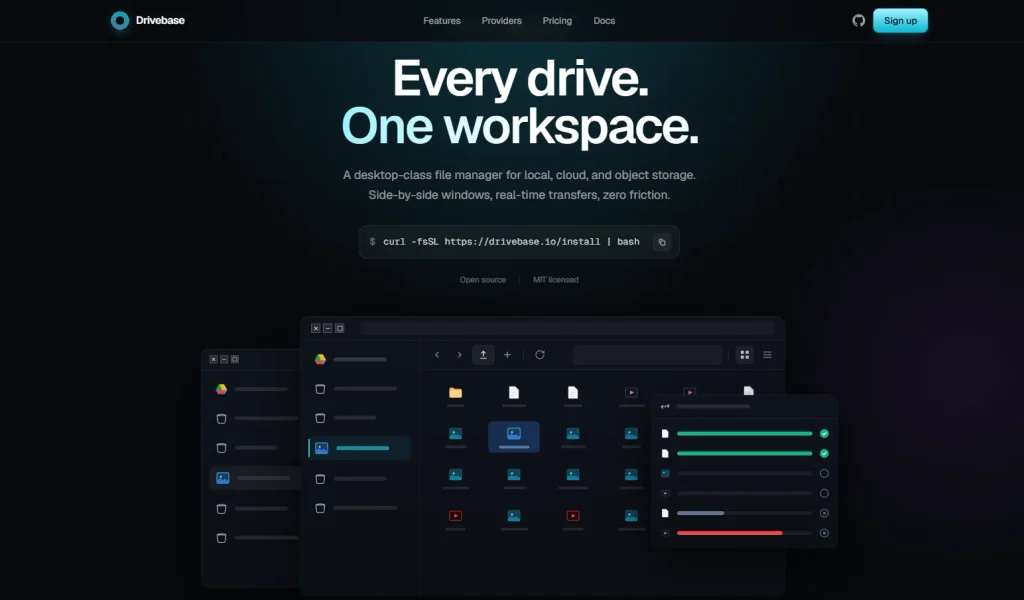
Developers have introduced Drivebase, an open-source file manager for self-hosting that brings together disparate cloud services and local storage in a single browser. The project is designed as a classic desktop operating system interface with windows and a taskbar, is distributed under the permissive MIT license, and lets you copy data between different clouds in just a few clicks.
Desktop OS Interface and Cross-Cloud File Transfer
Unlike standard web panels, Drivebase’s interface emulates a full-fledged windowed operating system. Users can open multiple independent app windows for Files, Providers, and Settings, freely move them around the screen, resize them, and switch between them via the taskbar.
Key data management features:
- Direct cross-cloud transfer: open a Google Drive folder in one window and Amazon S3 in another, then simply drag and drop files from one service to the other;
- Batch operations: mass copy, move, and delete directories;
- Preflight conflict checks: before copying starts, the system scans the target directory and, if names match, offers a strategy to choose from (overwrite, skip, auto-rename, or manually allow duplicates).
Direct Access Without Forced Sync
The key difference between Drivebase and official clients like Google Drive for Desktop is that the service does not require downloading terabytes of data to your local drive first. The app connects directly to the APIs of linked providers and displays the current directory tree in real time.
According to the Drivebase repository documentation on GitHub, the platform includes advanced network optimizations:
- Resilience to failures: thanks to resumable uploads, large file uploads are split into chunks and won’t be interrupted even if the browser tab reloads unexpectedly;
- Real-time updates without delays: operation status is delivered via Server-Sent Events (SSE), avoiding the overhead of frequent server polling;
- Direct S3 uploads: when working with S3-compatible storage, data goes straight from the user’s browser to the cloud via presigned URLs, bypassing the host running the Drivebase server.
Supported Providers
According to the changelog for version 4.0.0, the service supports a wide range of enterprise and personal storage options:
- Cloud drives: Google Drive, Dropbox, OneDrive, Box;
- Object storage: Amazon S3, Cloudflare R2, Backblaze B2, Wasabi, MinIO, Azure Blob Storage;
- Network and local protocols: SFTP and the server’s local file system (NAS).
Architecture and Tech Stack
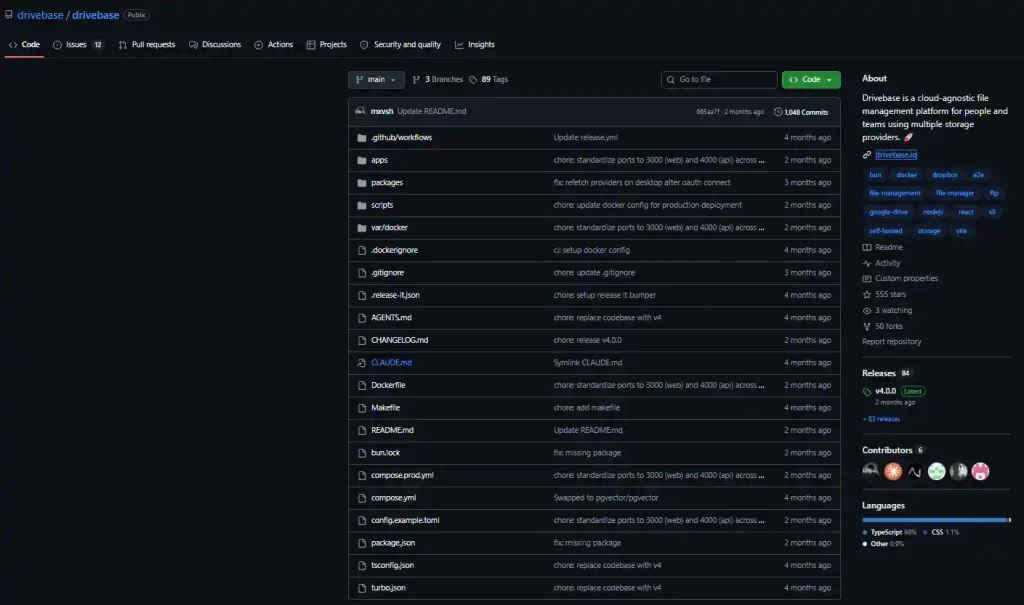
Under the hood, the platform uses a modern, high-performance stack: the Bun runtime, a frontend built with React 19, Vite, and TanStack Router, and a backend based on GraphQL Yoga, a PostgreSQL database, a Redis cache, and a BullMQ task queue.
For developers, there’s a typed GraphQL API and a modular IStorageProvider interface that makes it easy to write custom plugins for integrating your own storage.
Deploy in Two Commands
To run a personal server on your own VPS or home PC, just run the automatic installation script, which generates a Docker Compose configuration:
codeBash
curl -fsSL https://drivebase.io/install | bashThen start the containers:
codeBash
cd drivebase
docker compose up -d
Once started, the web interface is available on your local network at http://localhost:4000.
On the official Drivebase website, the project is positioned as completely free and perpetual for self-hosting. For users who don’t want to set up their own server, the authors offer a managed cloud subscription starting at $9.99 per month.
Unlike the popular command-line tool rclone, Drivebase focuses on visual clarity and ease of file management for users who juggle multiple cloud services daily.
