








How to Run Ornith-1.5 AI on Android and iPhone: A Step-by-Step Guide to Offline Local AI
 ·
20.08.2026 18:53
·
2 min read
·
20.08.2026 18:53
·
2 min read
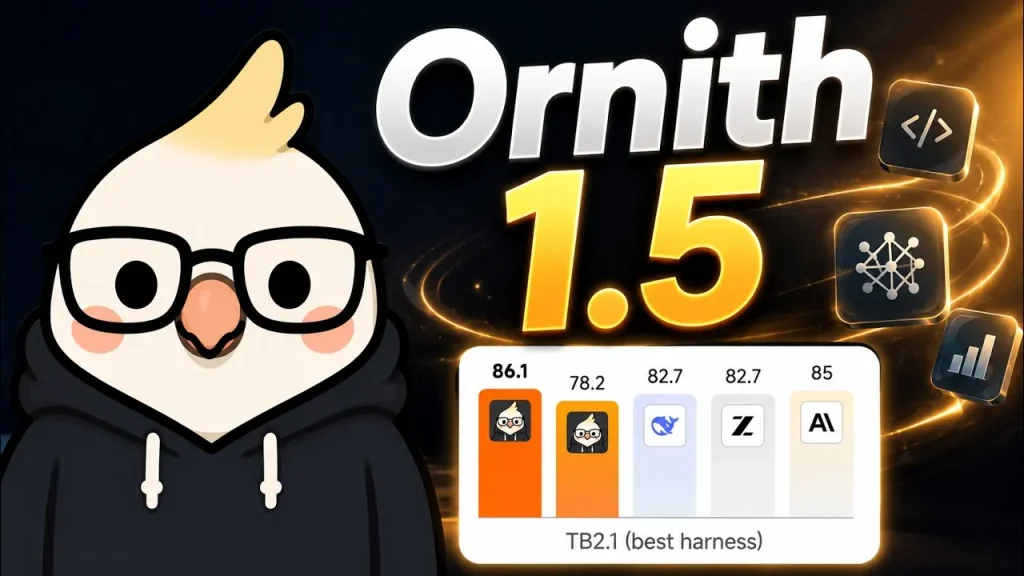
You can run the Ornith-1.5-9B open-source language model completely offline directly on your smartphone without sending any data to third-party servers. We previously covered the specs and benchmark results of the open-source Ornith-1.5 model family, and this guide explains how to deploy it locally on Android and iOS.
To run the model, you will need the free PocketPal AI mobile app, which is powered by the llama.cpp engine and supports models in the quantized GGUF format.
Smartphone RAM Requirements
To ensure smooth performance of the 9B model on your phone, keep the following RAM requirements in mind:
- 8GB RAM: The bare minimum. This requires aggressive 3-bit quantization and limiting the context window to 2048–4096 tokens;
- 12GB RAM: Stable performance with 4-bit quantization (Q4) and a context window of 4096–8192 tokens;
- 16GB RAM and above: The optimal choice for fast generation without the risk of the OS killing background processes.
Step-by-Step Installation Guide
- Install the PocketPal AI client from the App Store or Google Play (the source code is available on the project’s GitHub);
- Open the Models tab and choose to search for models directly from Hugging Face;
- Enter the repository name: ornith-ai/Ornith-1.5-9B-GGUF;
- Select the quantized Q4_K_M version (the file size is around 5–6GB);
- In the session settings, set the initial context to 4096 tokens;
- Tap the download button, wait for the weights to initialize in memory, and go to the chat. Once loaded, you can completely turn off your phone’s internet connection.
Recommended Generation Settings and PC Setup
For general conversation, the developers recommend setting temperature 1.0, top_p 0.95 and top_k 20. For code generation tasks, it is recommended to lower the temperature to temperature 0.6.
If you need to run the model on a PC running Windows, macOS, or Linux, the easiest way is to use Ollama by running the following command in your terminal:
ollama run ornith-1.5:9b
The compact 9B version takes up about 6.6GB of disk space and supports integration with third-party code editors and IDEs via a local API.