








Apple Releases iPhone Duo Developer Guidelines: Adaptive UI, Side Navigation, and Hinge Fold Area
 ·
11.09.2026 23:03
·
2 min read
·
11.09.2026 23:03
·
2 min read
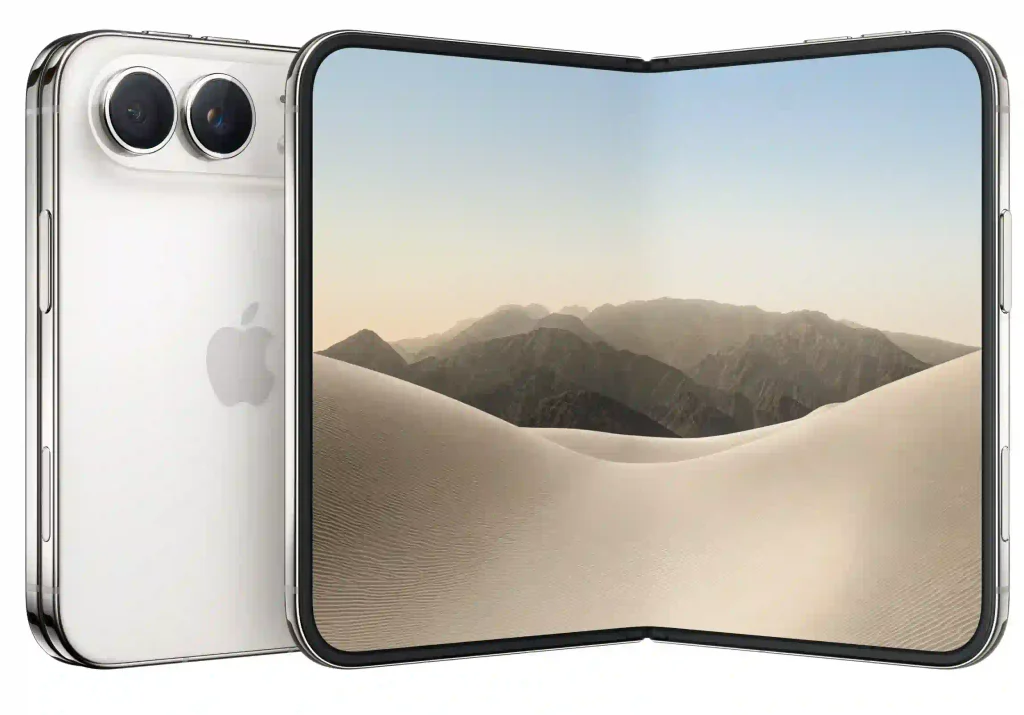
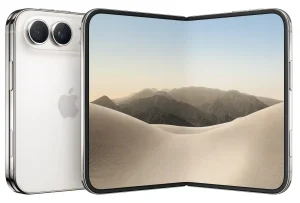
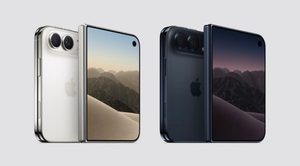
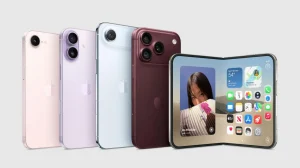
Apple has published an official Human Interface Guidelines update dedicated to adapting apps for its first foldable smartphone, the iPhone Duo. The document details two-screen interaction logic, rules for working with six physical postures, hinge area considerations, and under-display camera behavior.
Six Device Postures, Fold Area, and Hidden Optics
In the updated Human Interface Guidelines for iPhone Duo, Apple advises developers to target six typical device postures: closed slab, fully unfolded tablet, half-open “book,” tabletop mode (“laptop”), “tent,” and side-edge placement.
Instead of designing separate interfaces for each posture, the company recommends using adaptive SwiftUI containers and system Size Classes:
- The outer 5.4-inch display is treated as a compact screen of a standard smartphone;
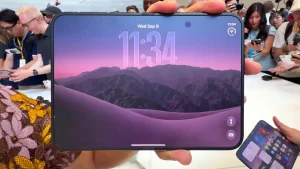
- The inner 7.6-inch panel uses the Regular Width class, allowing a two-column tablet interface—such as displaying an email list and message text simultaneously;
- In a half-folded state, the operating system automatically reserves the center crease area, placing controls on the bottom panel and media content on the top panel.
The device features two front-facing cameras with different operating logic. On the outer screen, the camera cutout is visible and integrated with the Dynamic Island. On the inner flexible display, the camera is hidden under the display matrix and remains invisible until video calling is launched—once the sensor turns on, iOS 27 automatically shifts the interface to clear space around the lens.
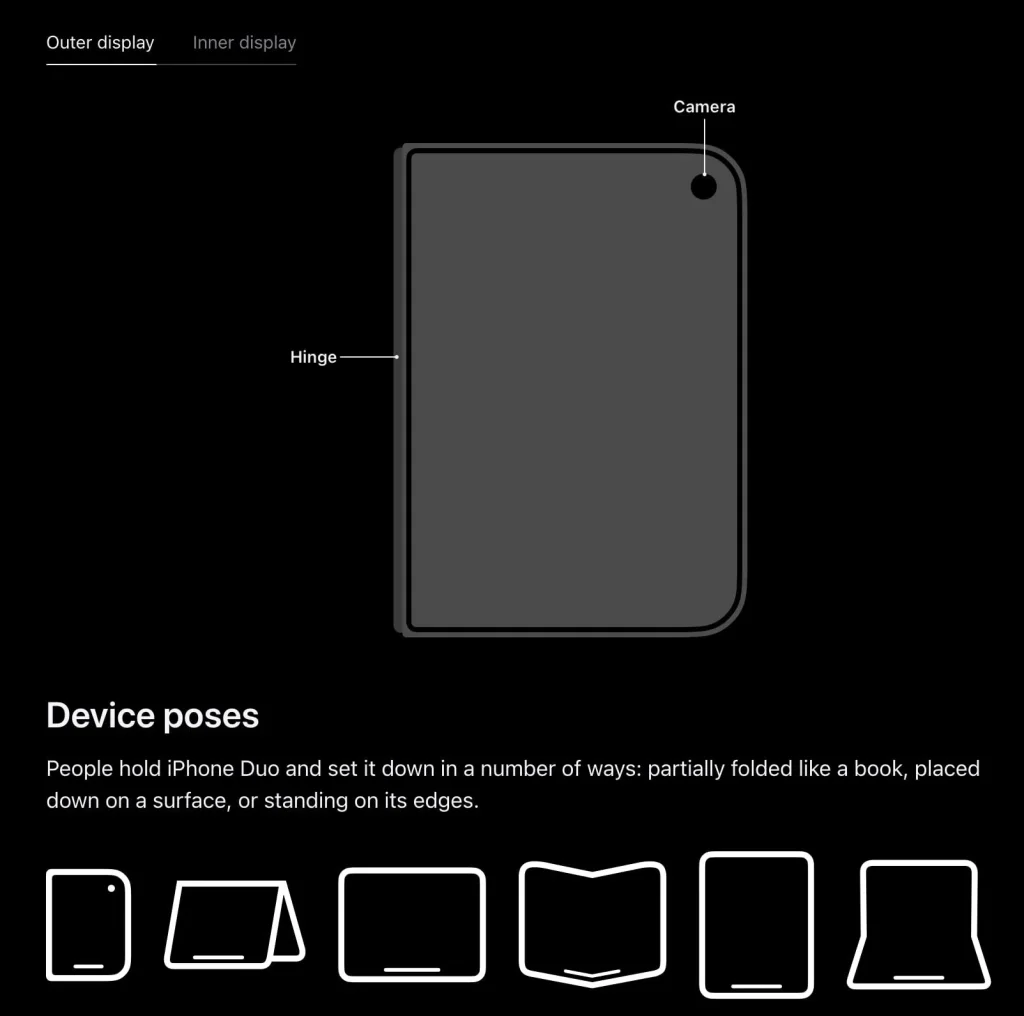
Side Navigation Bars and Game Requirements
Due to the outer screen’s wide aspect ratio, Apple introduced an uncommon layout element: main navigation bars, tab switchers, and status icons move from the top and bottom edges to the side. This preserves vertical screen real estate.
For most existing software, adaptation will be seamless: if an app uses standard UIKit components and Auto Layout, it automatically adjusts to Duo dimensions.
In technical video tutorials for developers, the company specifically addressed 3D mobile game creators. Apple urged developers to abandon letterboxing and hardcoded aspect ratios, recommending dynamic field-of-view adjustments in Xcode 27 when unfolding the device.